
 Available in GB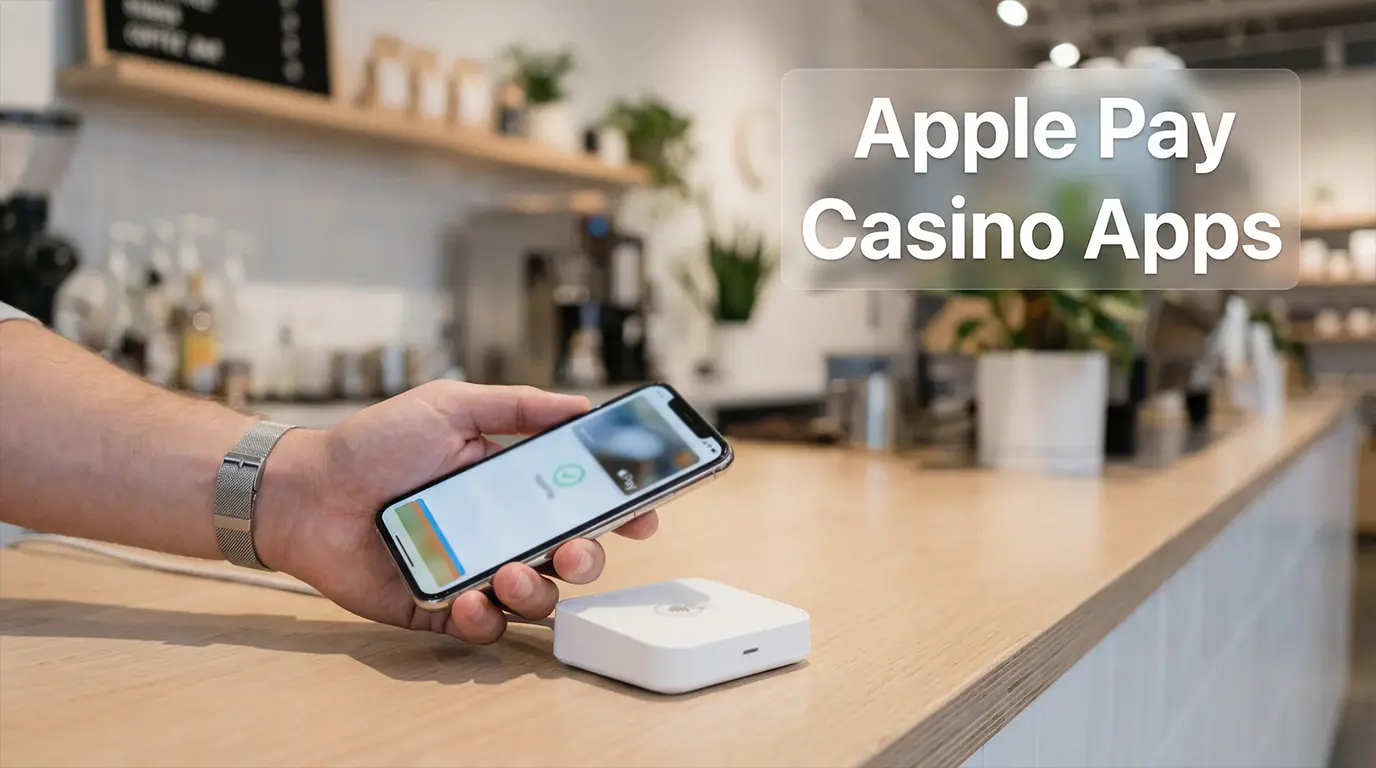
Apple Pay at Casinos — Tap, Play, Withdraw
Apple Pay removes the slowest part of making a casino deposit: typing in card details. Authenticate with Face ID or Touch ID, confirm the amount, and the money is in your casino balance before your thumb leaves the screen. No card numbers, no expiry dates, no CVC codes, no redirect to a bank verification page. The entire transaction completes in the time it takes to unlock your phone.
For UK casino app players, Apple Pay serves a specific role. It is the fastest deposit method available on iPhone — faster than PayPal, which requires a login redirect, and faster than debit cards, which involve manual data entry on the first use. Apple Pay’s integration with the device’s hardware means the payment sheet appears natively within the casino app, with no browser handoff or external app launch. The experience is seamless in a way that other methods, however fast, are not.
The limitation is equally specific: Apple Pay is predominantly a deposit method. Most UKGC-licensed casino apps do not support Apple Pay for withdrawals. When you cash out, your funds will typically route to your debit card (the card linked to your Apple Pay), to a PayPal account, or to another withdrawal method you have set up. This asymmetry — instant deposits, indirect withdrawals — defines Apple Pay’s practical role in the casino app ecosystem. It gets money in fast. Getting money out requires a different path.
Best Casino Apps with Apple Pay
Apple Pay support among UKGC-licensed casino apps has expanded significantly over the past two years. The operators below all accepted Apple Pay deposits at the time of testing, though availability can change as operators renegotiate payment processing contracts.
BetMGM integrates Apple Pay cleanly into its deposit flow. Tap the deposit button, select Apple Pay, enter your amount, and authenticate with Face ID. The funds appear instantly. BetMGM’s app is optimised for Apple’s ecosystem — Face ID login, Apple Pay deposits, and a responsive interface built to iOS design standards. For withdrawals, BetMGM routes funds to PayPal (fastest) or your linked debit card. The welcome bonus is compatible with Apple Pay deposits, which is worth confirming because not all operators extend this eligibility.
Betway Casino offers Apple Pay alongside its full range of payment methods. The deposit experience mirrors BetMGM’s: native payment sheet, biometric authentication, instant credit. Betway’s live casino and slot sections perform well on iPhone, making the combination of Apple Pay speed and Betway’s game depth a practical daily-use package. Withdrawals process to PayPal or debit card, with PayPal payouts clearing within hours.
LeoVegas was among the earlier UK casino apps to adopt Apple Pay, and the integration is mature. Deposits are instant, the interface is clean, and the app’s mobile-first design philosophy means the entire funding flow — from tapping “Deposit” to seeing the updated balance — takes under five seconds. LeoVegas supports PayPal for withdrawals, providing a fast exit route that complements the fast entry Apple Pay provides.
Paddy Power Games supports Apple Pay for deposits across its casino, sports, and games products. The dedicated casino app handles the payment smoothly, and the minimum deposit via Apple Pay is £5 — lower than the £10 threshold some competitors set. Withdrawals route to your debit card or PayPal. Paddy Power’s frequent promotional campaigns are accessible to Apple Pay depositors without restrictions.
Betfred Casino accepts Apple Pay with a £5 minimum deposit. The integration is straightforward, and the app’s no-frills interface makes the deposit process fast and predictable. Betfred’s withdrawal options include PayPal and debit card, and the operator’s processing times — typically within a few hours for PayPal — are competitive.
Sky Vegas rounds out the list with Apple Pay support and one of the more player-friendly bonus structures in the market. No-wagering free spins, accessible via Apple Pay deposits, make Sky Vegas particularly attractive for players who value transparent terms alongside deposit convenience.
Recommended online casinos
- NightWinBonus: £900 + 400 free spins · Payout speed: 1-3 business days
- BritsinoBonus: Welcome Package – Get your £2,200 + 2,000 FS · Payout speed: 1-3 business days
- BeOnBetBonus: 100% up to €500 + 100 FS · Payout speed: 1-3 business days
- SpinFormulaBonus: 550% Up To £15,000 + 550 FS · Payout speed: 1-3 business days
- SlotoSportBonus: 500% up to £ 10 200+ 777 FS · Payout speed: 1-3 business days
- Revery PlayBonus: 100% up to€1,000+ 100 FS · Payout speed: 1-3 business days
- WinBeastBonus: €5000 + 500 FS + €650 Freebet · Payout speed: 1-3 business days
- ChanzeBonus: Slots Welcome Bonus #1 200% up to €500 · Payout speed: 1-3 business days
How to Use Apple Pay for Casino Deposits
Before you can use Apple Pay at a casino app, you need a debit card added to your iPhone’s Wallet app. Apple Pay for gambling transactions in the UK works exclusively with debit cards — credit card gambling was banned by the UKGC in April 2020, and Apple Pay enforces this by blocking credit card use at licensed gambling merchants. If your Wallet contains only a credit card, you will need to add a debit card before proceeding.
With a debit card in your Wallet, the deposit process is straightforward. Open the casino app, navigate to the cashier or deposit section, and select Apple Pay from the available methods. Enter the deposit amount — the minimum varies by operator, typically £5 or £10 — and tap confirm. The Apple Pay payment sheet appears, showing the amount and the card that will be charged. Authenticate with Face ID (on Face ID-equipped iPhones) or Touch ID (on older models and iPhone SE), and the transaction completes. Funds appear in your casino balance instantly.
A few practical notes. Apple Pay transactions appear on your bank statement under the casino operator’s merchant name, not under “Apple Pay.” This is standard for all Apple Pay purchases and means your banking records will show the gambling transaction just as they would a direct card payment. Apple Pay does not add an additional layer of anonymity to your deposit — the transaction is fully traceable through your bank.
If you use multiple debit cards, Apple Pay defaults to your primary card in the Wallet app. You can switch cards during the payment flow by tapping the card icon on the payment sheet before authenticating. This is useful if you maintain a dedicated card for gambling transactions, a practice some players adopt for budgeting purposes.
Limits, Fees, and Withdrawal Options
Apple Pay itself does not impose transaction limits for casino deposits — the limits come from two other sources: your casino operator and your bank. The operator sets the minimum deposit (typically £5 to £10 via Apple Pay) and the maximum single-transaction deposit (usually £2,000 to £5,000, though some operators go higher). Your bank may impose its own daily spending limit on your debit card, which applies to Apple Pay transactions just as it would to physical card payments.
Fees are straightforward: there are none. Apple does not charge the consumer for using Apple Pay, and UKGC-licensed casino apps do not charge fees for Apple Pay deposits. The transaction is processed as a standard debit card payment, with the operator absorbing the processing costs. No currency conversion is involved for UK players using GBP debit cards.
Withdrawals are where Apple Pay’s limitations become apparent. The vast majority of UK casino apps do not support Apple Pay as a withdrawal method. When you request a payout, the operator will route funds to the underlying debit card linked to your Apple Pay (under the Closed Loop anti-money-laundering policy) or offer alternative withdrawal methods such as PayPal or bank transfer.
In practical terms, this means an Apple Pay deposit followed by a PayPal withdrawal is the fastest combination available. The deposit is instant via Apple Pay, and if you have set up PayPal as a withdrawal method (which requires a separate PayPal account linked to your casino account), the payout can clear in hours. For players who do not have PayPal, the withdrawal defaults to the debit card, with processing times of one to three business days — standard for card-based payouts.
One edge case: if you deposit via Apple Pay and do not have an alternative withdrawal method configured, the operator will typically process your withdrawal to the debit card behind your Apple Pay, matching the last four digits. Confirm with the operator’s support team if you are unsure how the routing will work, particularly if you have changed cards between deposit and withdrawal.
The Fastest Tap in Gambling
Apple Pay does one thing exceptionally well: it eliminates deposit friction. The speed and simplicity of a Face ID-authenticated payment, completed within the casino app without redirects or manual data entry, is unmatched by any other deposit method in the UK market. For players who use a single casino app regularly, Apple Pay makes funding your account so effortless that it functionally disappears from the experience.
That effortlessness is a double-edged quality. Frictionless deposits mean there is no natural pause between deciding to deposit and completing the transaction — no moment of data entry where you might reconsider the amount or whether you should deposit at all. If you use Apple Pay as your primary casino deposit method, the responsible gambling controls discussed elsewhere in this guide — deposit limits, session timers, reality checks — become even more important. The speed that makes Apple Pay convenient is the same speed that makes it easy to deposit more than you intended. Set your limits before you set up the payment method, and the convenience stays on your side.
Visit casinoappsrealmoneyuk for the best UK real money casino app reviews and guides.
Understand your rights in our UK Gambling Laws guide.