Best Non GamStop Casino UK 2026
Loading...
Two Ways to Play — One Clear Winner?
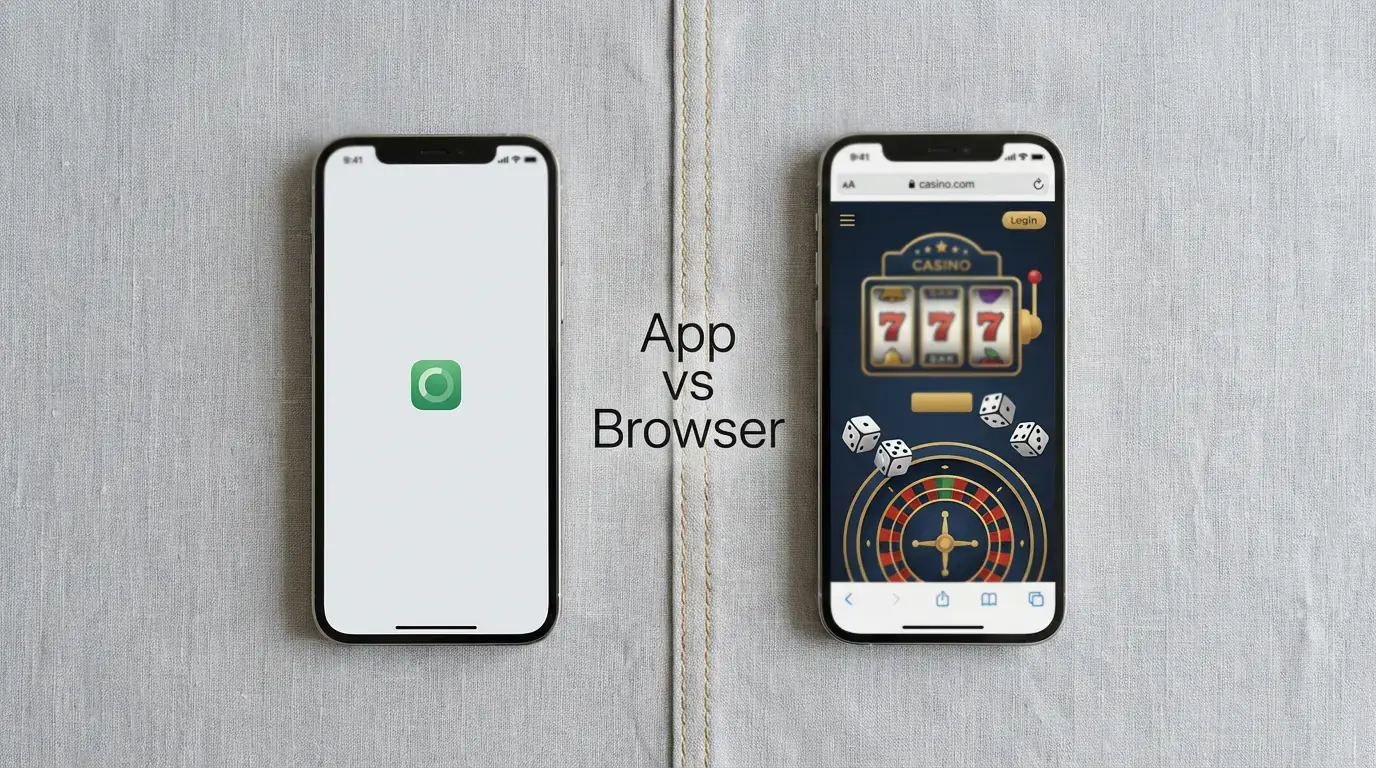
Every UKGC-licensed casino that offers a native app also maintains a mobile-optimised website that does exactly the same thing. You can play slots, fund your account, withdraw winnings, and access live dealer tables through either route. The games are identical — they run on the same HTML5 engines regardless of whether you open them inside an app or inside Safari. So the question is not which one works, because both do. The question is which one gets out of your way faster.
For most players most of the time, the native app wins. But “most” is doing real work in that sentence, and there are specific scenarios where a browser session is not just acceptable but genuinely preferable. The difference between the two comes down to a handful of practical factors — login speed, notification control, storage impact, and flexibility — rather than any fundamental gap in what you can actually do.
What Casino Apps Do Better
The primary advantage of a native app is friction reduction. Once installed, the app sits on your home screen and opens with a single tap. Pair that with Face ID, Touch ID, or fingerprint login, and you go from locked phone to live casino lobby in under three seconds. A browser session requires opening Chrome or Safari, navigating to the operator’s URL (or finding it in your bookmarks), waiting for the page to load, and then logging in manually — unless you have saved credentials, in which case it is merely slower rather than cumbersome.
Push notifications are the second clear advantage. A native app can alert you when a withdrawal has been processed, when a time-limited promotion launches, or when your daily session limit is approaching. Browser-based sessions offer none of this unless you opt into web notifications, which most players do not. For anyone who values knowing when their money has actually landed in their PayPal or bank account, app notifications are worth having.
Performance is marginally better in native apps, though the gap has narrowed as mobile browsers have improved. App developers can cache assets locally — game thumbnails, interface elements, navigation structures — so that the lobby loads almost instantly on repeat visits. A browser must re-fetch at least some of these assets each session, which adds a second or two of load time. During actual gameplay the difference is negligible; both routes stream game content from the same servers. But the cumulative effect of faster navigation, quicker transitions between games, and smoother scrolling gives native apps a perceptible polish that browser sessions lack.
Biometric payment integration is also smoother in apps. Apple Pay and Google Pay deposits work natively within casino apps, triggering the device’s payment sheet directly. In a browser, the same payment flow works in principle but occasionally encounters compatibility issues depending on the browser version and the operator’s payment gateway implementation. It is a minor difference, but when real money is involved, reliability matters.
When a Mobile Browser Makes More Sense
Storage is the most common reason to skip the app. Casino apps typically occupy between 80 and 200 MB on your device, and while that is not enormous, it adds up if you use multiple operators. A player testing three or four new casino apps simultaneously — comparing welcome offers, evaluating interfaces, checking withdrawal speeds — might prefer to do so through a browser rather than installing and later deleting four separate applications. The browser approach is disposable by nature: close the tab and you are done.
Privacy is another consideration. A native app is visible on your home screen, in your app library, and potentially in your Screen Time reports. For players who prefer to keep their gambling activity discreet, a browser session leaves a lighter footprint. Clear your browsing history and there is no visible trace. This is not about doing anything wrong — it is about personal boundaries and the fact that not everyone wants a casino logo sitting between their banking app and their email.
Flexibility matters for players who use multiple devices or platforms. Your browser session is not tied to a specific installation. You can start playing on your phone during a commute, switch to a tablet at home, and check your withdrawal status on a work laptop — all through the same browser-based interface with nothing to install on any device. Casino apps, by contrast, require separate installations and sometimes separate logins on each device.
There is also a practical argument for using a browser when trying a new operator for the first time. If you are claiming a no-deposit bonus to test an app’s interface and game quality, doing so through a browser avoids cluttering your phone with an app you may never use again. If the operator impresses you, install the app later for the long-term convenience. If it does not, close the tab and move on.
Speed, Storage, and Data — A Real Comparison
To put numbers behind the claims, we tested five UKGC-licensed operators — BetMGM, Betway, LeoVegas, Paddy Power Games, and MrQ — across both their native iOS apps and their mobile Safari browser versions on an iPhone 15.
Login to lobby averaged 2.1 seconds via native app with Face ID enabled, compared to 4.8 seconds through Safari with saved credentials and autofill. The difference is consistent and noticeable, though hardly dramatic. Game launch times — measured from tapping a slot thumbnail to the game being fully interactive — averaged 3.4 seconds in the app versus 4.1 seconds in the browser. Again, perceptible but not transformative.
Storage impact varied by operator. BetMGM’s app occupied 187 MB after a week of regular use, while Betway sat at 142 MB and MrQ at just 78 MB. Browser sessions, by definition, added zero permanent storage — cached data was cleared automatically within days. For a player using a single operator, the storage cost is trivial. For someone maintaining three or four active casino apps alongside a full phone, it is a factor worth considering.
Data consumption during gameplay was effectively identical between app and browser. A 30-minute slot session consumed approximately 25 to 40 MB regardless of the access method — the game content streams from the same servers in both cases. Live casino sessions were heavier, consuming 150 to 250 MB per 30 minutes due to video streaming, and again showed no meaningful difference between app and browser delivery.
Battery drain showed a slight advantage for native apps. A one-hour slot session through the native app consumed an average of 6 percent battery, while the same session through Safari consumed approximately 8 percent. The difference is attributable to browser overhead — Safari runs additional processes for tab management, content rendering, and extension support that a native app avoids. Over a casual 20-minute session, the difference is invisible. Over a multi-hour live casino marathon, it could matter.
The Best Interface Is the One You Forget About
The honest answer is that neither option is categorically better. Native apps offer a faster, smoother, more integrated experience for players who use a single operator regularly. Browser sessions offer flexibility, privacy, and zero storage commitment for players who value those things more. The games are the same. The odds are the same. The money is the same.
If you have settled on one or two primary casino apps and use them multiple times a week, install the native apps. The cumulative time saved on logins, the convenience of push notifications for withdrawal confirmations, and the slightly better performance justify the storage. If you are exploring new operators, testing bonuses, or simply prefer not to have gambling apps visible on your device, the browser does everything the app does with only minor compromises in speed.
The best interface, in the end, is the one that feels invisible — the one that puts you in front of the game you want to play with the least amount of friction between intent and action. For most regular players, that is the native app. But the browser remains a perfectly viable alternative, and anyone telling you otherwise is selling you a download.